
Plan each child’s week
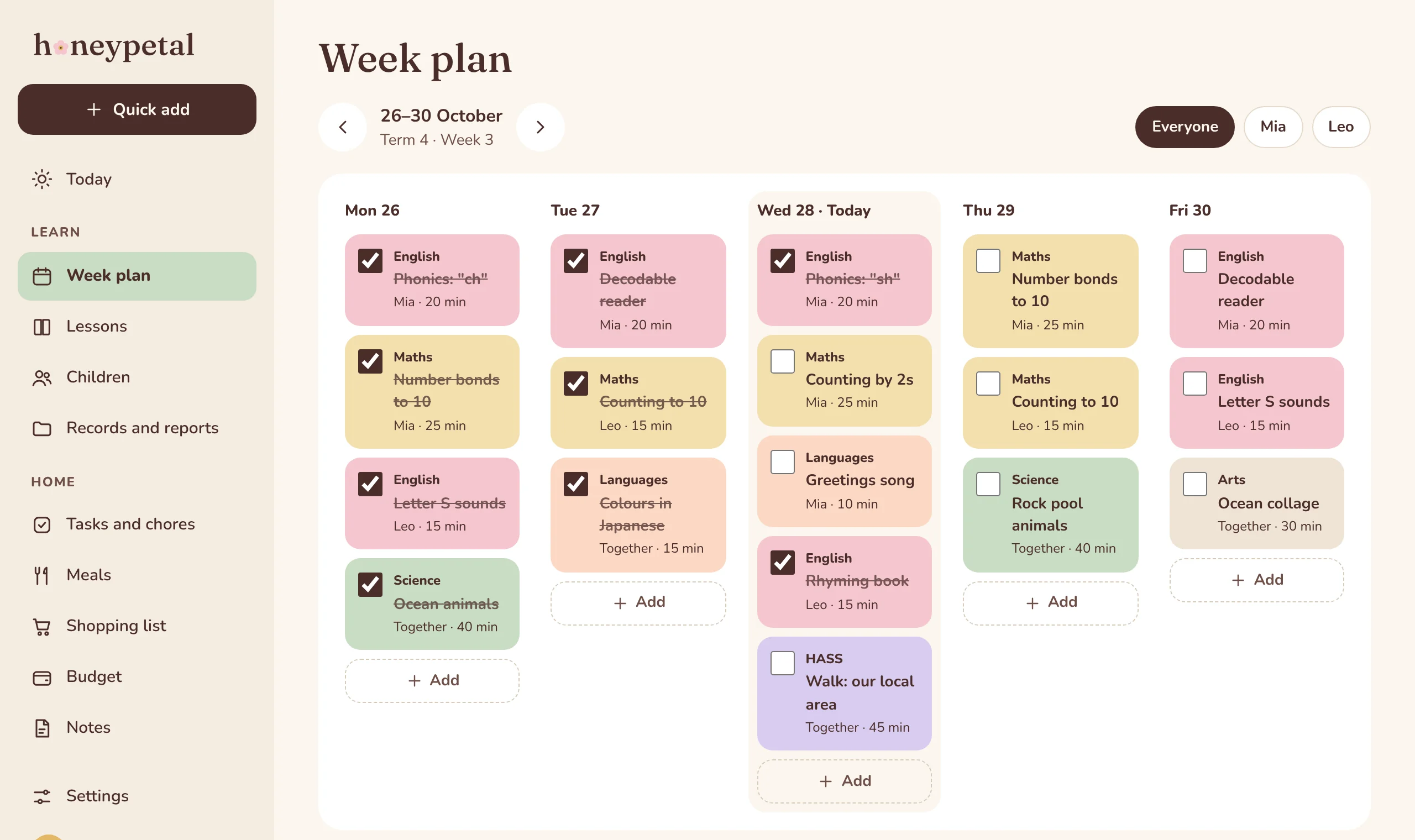
Lay out Monday to Friday for each child, or for everyone together, coloured by subject so you can see the week at a glance.
Honeypetal Learn · for Australian homeschool families
A calm, simple planner for home-educating families. Plan each child’s week, tick lessons off together, and keep your whole term in one place, on your phone or computer.
Free to join. We’ll email you when there’s a spot for your family.
Honeypetal Learn
Lay out Monday to Friday for each child, or for everyone together, coloured by subject so you can see the week at a glance.
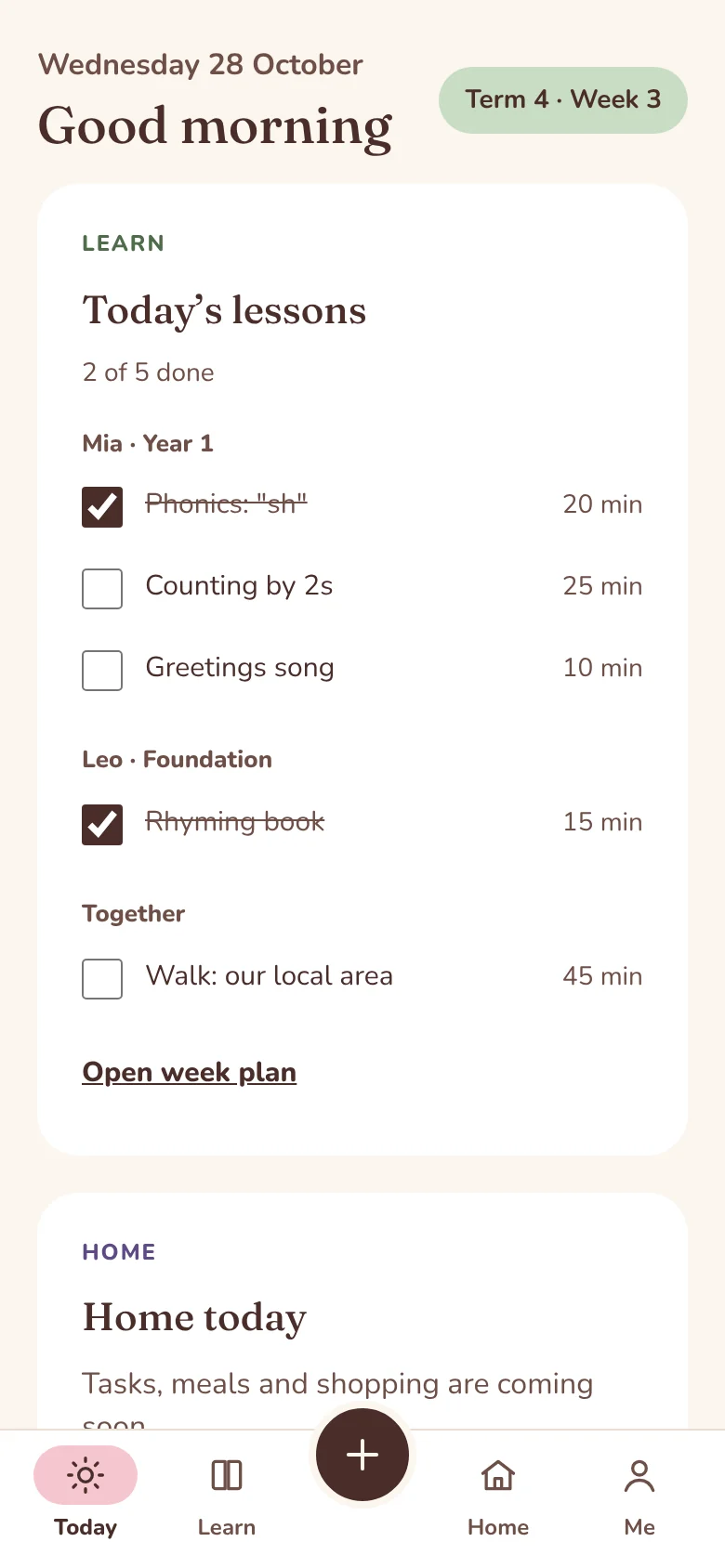
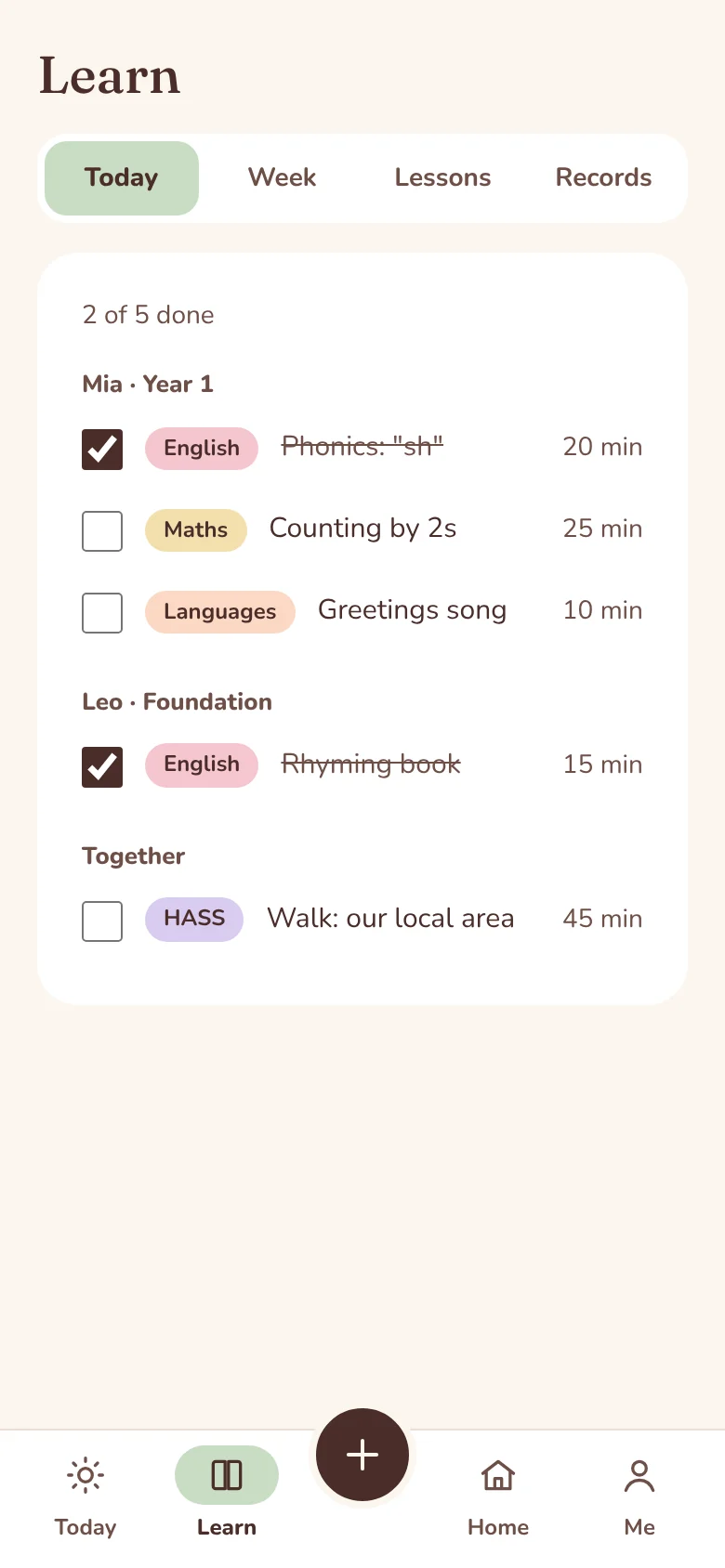
Today’s lessons, grouped by child, with a tick box for each. Running late? Move a lesson to another day in two taps.
Keep your lessons in a library with notes and timings, then plan them again for any child, any week.
See “Term 4 · Week 3” at a glance. South Australian dates are included, and families in other states can add theirs.
Invite another adult with their own login. Choose whether they can edit the plan or just see it.
Use it in your browser or add it to your home screen like an app. Your plan is the same everywhere.
Coming next: attendance, work samples and end-of-term reports.
A gentle start to the day
Coming after Learn
For the rest of the house: tasks and chores, meal plans, the shopping list and the family budget, in the same calm style and the same login.
Homeschool plans include your children’s details, so privacy is built in from the start.
Join the waitlist
We’re opening Honeypetal to a small group of families first. Pop your email in and we’ll let you know when there’s a spot.
We’re inviting a small group of families to try Learn first, then opening it up more widely. Join the waitlist and we’ll email you when there’s a spot.
Australian home-educating families, whatever your style: boxed curriculum, unit studies, or a bit of everything. Plan for one child or several, separately or together.
Yes. South Australian term dates are built in, and families in other states and territories can enter their own term dates in a minute.
Yes. Invite them with their own login, and choose whether they can edit the plan or only view it.
No. It works in your web browser on a phone, tablet or computer, and you can add it to your home screen so it opens like an app.
Pricing isn’t set yet. Families on the waitlist will hear about it first.